


Key Takeaways
- Setting up a law firm chart of accounts correctly from the start keeps your trust account compliant and your books audit-ready at all times.
- Law firms need a legal-specific COA because generic small-business templates do not include IOLTA trust liability accounts or matter-level cost tracking.
- Misclassified expenses are the number one bookkeeping error in solo and small law firms, and they directly distort your profitability reports.
- If bookkeeping is eating more than three to four hours of your week, outsourcing to a legal-specific virtual bookkeeper almost always saves more than it costs.
Most attorneys set up their chart of accounts once, never revisit it, and end up with a financial system that cannot answer the most basic questions about their firm. How much did you collect last quarter? What did Matter #47 actually cost you? Is your trust account in balance?
If your COA was not built for a law firm, it cannot answer those questions. This guide walks you through setting it up the right way, from scratch, with a template you can use today.
What a Chart of Accounts Actually Does for Your Firm
A chart of accounts (COA) is the master list of every financial account your firm uses to record transactions. Think of it as the organizing structure behind your general ledger. Every invoice you send, every expense you pay, every retainer you receive, and every trust disbursement you make gets categorized into one of these accounts.
For law firms, the COA carries more responsibility than it does for most businesses. You are not just tracking revenue and expenses. You are also tracking:
- Operating funds (the firm's own money: revenue, expenses, payroll)
- Client trust funds (money belonging to clients that you are holding temporarily)
- Matter-level costs (expenses tied to specific cases, like court filing fees, expert witnesses, and deposition costs)
These three categories require separate accounts with different rules. That is the core reason a law firm COA looks different from a typical small-business setup.
Why a Generic COA Creates Compliance Problems
A spreadsheet template you download for a restaurant or consulting firm will not include an IOLTA trust account, a client trust liability account, or a client costs advanced account. When attorneys use those templates, one of two things usually happens.
They either start posting trust deposits as income (a compliance violation), or they start mixing client cost advances with firm expenses (which distorts profitability and creates reimbursement headaches).
The ABA's Model Rule 1.15 requires attorneys to maintain complete, accurate records of all client property and trust account funds. Every state bar enforces its own version of this rule. Your accounting system has to support that requirement structurally, not just as a matter of intention.
Beyond compliance, your COA determines what financial questions you can actually answer. According to Clio's 2023 Legal Trends Report, law firms collect only $0.86 for every $1.00 billed. Tracking your realization rate, collection rate, and cost-per-matter all depend on having the right accounts in place from the beginning.
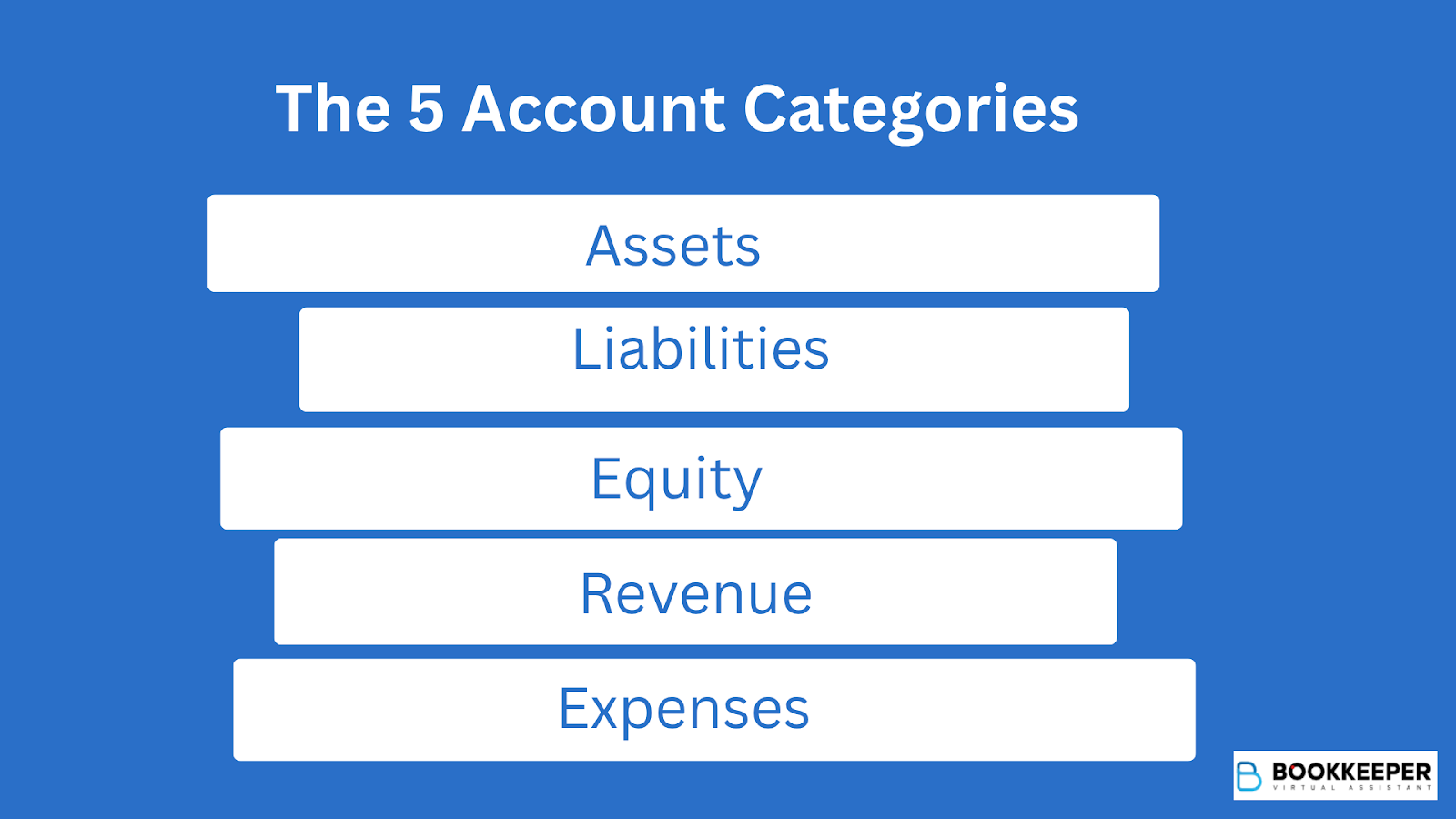
The 5 Account Categories You Need to Understand First
Before you start building anything, get familiar with the five standard account categories. Every transaction in your firm will flow into one of these.
1. Assets are everything the firm owns or is owed. This includes your operating checking account, your IOLTA trust account, accounts receivable, work in progress, fixed assets like equipment, and prepaid expenses.
2. Liabilities are everything the firm owes. The most critical one for law firms is the client trust liability account, which offsets your IOLTA trust bank account and must always equal it. Also included are accounts payable, payroll liabilities, credit cards, and any loans.
3. Equity represents the firm's net worth: owner's capital, retained earnings, and owner draws.
4. Revenue is all the income the firm earns. This includes hourly fees, flat fees, contingency fees, recognized retainer revenue, and any reimbursed client costs you pass through.
5. Expenses cover every operating cost: payroll, rent, malpractice insurance, bar dues, software subscriptions, marketing, and outsourced bookkeeping fees.
Step-by-Step: How to Set Up Your Law Firm COA
Here is exactly how to build your COA in QuickBooks Online, which is the accounting platform used by most law firms and integrates directly with Clio, LawPay, and other legal software.
Step 1: Enable Account Numbering in QBO
Go to Settings (gear icon), then Account and Settings, then Advanced. Find the Chart of Accounts section and turn on Enable account numbers. This lets you organize accounts by category using a 4-digit numbering system.
Step 2: Set Up Your Numbering Structure
Use this structure as your foundation:
- 1000s for Assets
- 2000s for Liabilities
- 3000s for Equity
- 4000s for Revenue
- 5000s for Direct Costs (client-facing costs like filing fees and expert fees)
- 6000s for Operating Expenses
This keeps your general ledger organized and makes reporting much easier to read.
Step 3: Create Your Bank Accounts First
Go to Chart of Accounts, then New, and set up your two most important accounts:
- Account 1010: Operating Checking (Type: Bank). This is where the firm's earned revenue lives.
- Account 1020: IOLTA Trust Account (Type: Bank). This holds unearned client funds only.
Do not combine these. Not ever. More on why in the trust account section below.
Step 4: Add the Client Trust Liability Account
This is the step most attorneys miss, and skipping it causes reconciliation problems down the road.
Go to Chart of Accounts, then New, and create:
- Account 2020: Client Trust Liability (Type: Other Current Liability)
Every time money goes into the IOLTA trust bank account, the same amount must also be recorded in this liability account. These two accounts must always match. If they do not, your books are out of balance and you may have a compliance issue.
Step 5: Build Out the Rest of Your Account List
Use the sample table in the next section as your guide. Add accounts in category order, working from assets through liabilities, equity, revenue, and expenses.
For each account you create in QBO, you will specify the Account Type and the Detail Type. Use the notes column in the sample table to guide those selections.
Step 6: Enter Your Opening Balances
If you are migrating from another system or starting mid-year, enter the current balance for each account as of your start date. Your accountant can help you pull these numbers from your prior books or bank statements.
Step 7: Connect Your Legal Software
Once your COA is built, connect your practice management software:
- Clio Manage integrates directly with QBO and syncs trust transactions automatically.
- LawPay connects to QBO and routes payments correctly between operating and trust accounts.
- MyCase and other platforms have similar integrations.
These connections reduce manual data entry and the human error that comes with it.
Sample Chart of Accounts for Law Firms
This template works for solo attorneys through firms with about 15 attorneys. Use it as your starting point and adjust based on your practice areas.
How to Handle IOLTA and Trust Accounts in Your COA
This section deserves special attention because getting it wrong is one of the most common reasons attorneys face bar discipline.
IOLTA stands for Interest on Lawyers' Trust Accounts. Your IOLTA account holds client money that you have not yet earned, including advance retainers, settlement funds waiting to be disbursed, and other funds you are holding on a client's behalf.
The rules you need to follow are consistent across all 50 states:
- Never put firm operating funds and client trust funds in the same account. This is called commingling, and it is the most frequently cited trust account violation in bar disciplinary proceedings.
- Keep a separate client ledger for every matter that shows every deposit and withdrawal.
- Do a three-way reconciliation every month: your bank statement balance, your trust account ledger balance, and the sum of all individual client ledger balances must all match.
- Use a bank that is approved for IOLTA accounts in your state.
In your COA, the trust account works as a matched pair:
- Account 1020 (IOLTA Trust Account) is an asset that reflects the cash sitting in your trust bank account.
- Account 2020 (Client Trust Liability) is a liability that reflects what you owe back to those clients.
Both numbers must be identical at all times. If they are not equal, either money has been misposted or your books have an error that needs to be found and corrected before it becomes a bigger problem.
The ABA Standing Committee on Ethics and Professional Responsibility consistently ranks trust account mismanagement among the top five causes of bar discipline nationwide. Setting up these two accounts correctly is the single most important thing you can do when building your COA.
Setup Mistakes That Cost Law Firms Time and Money
Even with the best intentions, a few common errors come up repeatedly when attorneys set up their own chart of accounts.
Using a generic small-business template
Accounting templates built for retail shops or consulting firms do not include trust liability accounts or client cost tracking. Starting with one creates gaps you may not discover until tax season or, worse, during an audit.
Booking retainer deposits as income
Retainers belong in trust until they are earned. Posting them as revenue on receipt is both a compliance violation and an accounting error. The correct flow is: deposit to IOLTA trust, then transfer to operating and recognized as revenue as work is performed.
Mixing client cost advances with firm expenses
When you pay a court filing fee on behalf of a client, that is not a firm expense. It goes into Account 5020 (Client Costs Advanced) and gets reimbursed. Posting it as an expense overstates your costs and understates your profitability.
Creating too many or too few accounts
A COA with 200 line items is hard to maintain and harder to report from. A COA with 20 accounts leaves you blind. The 55-to-65-account range in the sample above is the right target for most small-to-mid-size firms.
Skipping depreciation
Computers, furniture, and leasehold improvements need to be capitalized and depreciated over time, unless you elect Section 179 expensing. Booking them as immediate expenses overstates your costs in year one.
When It Makes Sense to Hand This Off
Setting up a COA is a one-time task, but maintaining it correctly is ongoing work. If you are spending more than three to four hours per week on bookkeeping, you have likely passed the break-even point for outsourcing.
Here is why math matters. Attorney billing rates average $313 per hour nationally, according to the Clio 2023 Legal Trends Report. Three hours of bookkeeping per week equals roughly $46,800 per year in unbillable time. A dedicated legal bookkeeper costs far less than that and frees you to do work that actually generates revenue.
Bookkeeper offers virtual bookkeeping built specifically for law firms. That means your firm gets:
- Legal-specific COA setup from day one, not a generic template adapted after the fact
- Monthly trust account reconciliation with a complete three-way reconciliation report
- IOLTA compliance monitoring so errors are caught before they reach bar complaint territory
- Native workflows in QBO and Clio so your data stays in the systems you already use
- Financial reporting by practice area, including collection rates and cost-per-matter visibility
There is a meaningful difference between a general bookkeeper and one who understands legal accounting. One files your receipts. The other helps protect your license.
Build It Once, Build It Right: Your Next Step Toward a Cleaner, Compliant Set of Books
A well-built chart of accounts is not exciting, but it is the foundation that everything else in your financial system rests on. It is what makes your profit and loss report trustworthy. It is what keeps your trust account defensible. It is what lets you answer the question "how is the firm actually doing?" with real data instead of guesswork.
The step-by-step process and sample template in this guide give you everything you need to build that foundation yourself. But if you would rather have it done correctly from the start, without the hours of setup and the risk of missing something, that is exactly the kind of work the team at Bookkeeper handles every day for law firms across every practice area.
Stop patching a bookkeeping system that was never built for a law firm.
Schedule your free consultation with Bookkeeper.law today.

Frequently Asked Questions
What accounts should be in a law firm chart of accounts?
A law firm COA needs five core categories: assets (including a separate IOLTA trust account), liabilities (including a client trust liability account), equity, revenue broken down by fee type, and expenses with separate lines for payroll, insurance, software, and client cost advances. Most small-to-mid-size firms run well with between 55 and 70 total accounts.
What is the difference between a law firm operating account and a trust account in the COA?
The operating account holds money that belongs to the firm: earned fees, expenses, and payroll funds. The trust account holds money that belongs to clients and has not yet been earned. In the COA, the trust bank account is an asset (Account 1020), and the matching client trust liability (Account 2020) reflects what you owe back. These two accounts must always equal each other and must never be combined.
How do I set up a chart of accounts for a law firm in QuickBooks Online?
Start by enabling account numbering in QBO settings. Then create accounts by type using a 4-digit numbering system: 1000s for assets, 2000s for liabilities, 3000s for equity, 4000s for revenue, 5000s for direct costs, and 6000s for operating expenses. Set up your IOLTA trust bank account and a matching client trust liability account. You can import the full account list using QBO's CSV import feature under Chart of Accounts.
Do law firms use cash or accrual accounting?
Most solo and small law firms use cash-basis accounting because it is simpler and aligns with how most attorneys actually get paid. Larger firms, or those tracking unbilled work in progress, often use modified accrual or full accrual accounting for more accurate revenue recognition. The COA structure in this guide works with both approaches. Your accountant will help you decide which method fits your practice.