

Key Takeaways
- QuickBooks was not built for law firms, so trust accounting requires significant manual configuration before it meets bar compliance standards.
- Solo attorneys who rely on QuickBooks alone risk commingling client funds with operating revenue, which is one of the leading causes of bar discipline nationwide.
- Nearly 60% of solo practitioners report spending too much time on administrative tasks, and DIY bookkeeping only deepens that problem.
- Pairing QuickBooks with a virtual legal bookkeeper resolves the compliance gaps and frees you to bill the hours your practice actually needs.
QuickBooks is the world's most-used small business accounting software, and it is understandable why a solo attorney starting out, or trying to cut costs, would reach for it first. It tracks income and expenses, syncs with your bank, and generates reports your CPA will recognize. That is genuinely useful.
But the real question is not whether QuickBooks works. The question is whether it is enough for a law practice operating under bar rules that general businesses never have to think about. The answer is nuanced, and getting it wrong puts your license at risk.
This article breaks down exactly what QuickBooks can and cannot do for solo attorneys, what the compliance gaps look like in practice, and when you need more than software.
What QuickBooks Does Well for Solo Attorneys
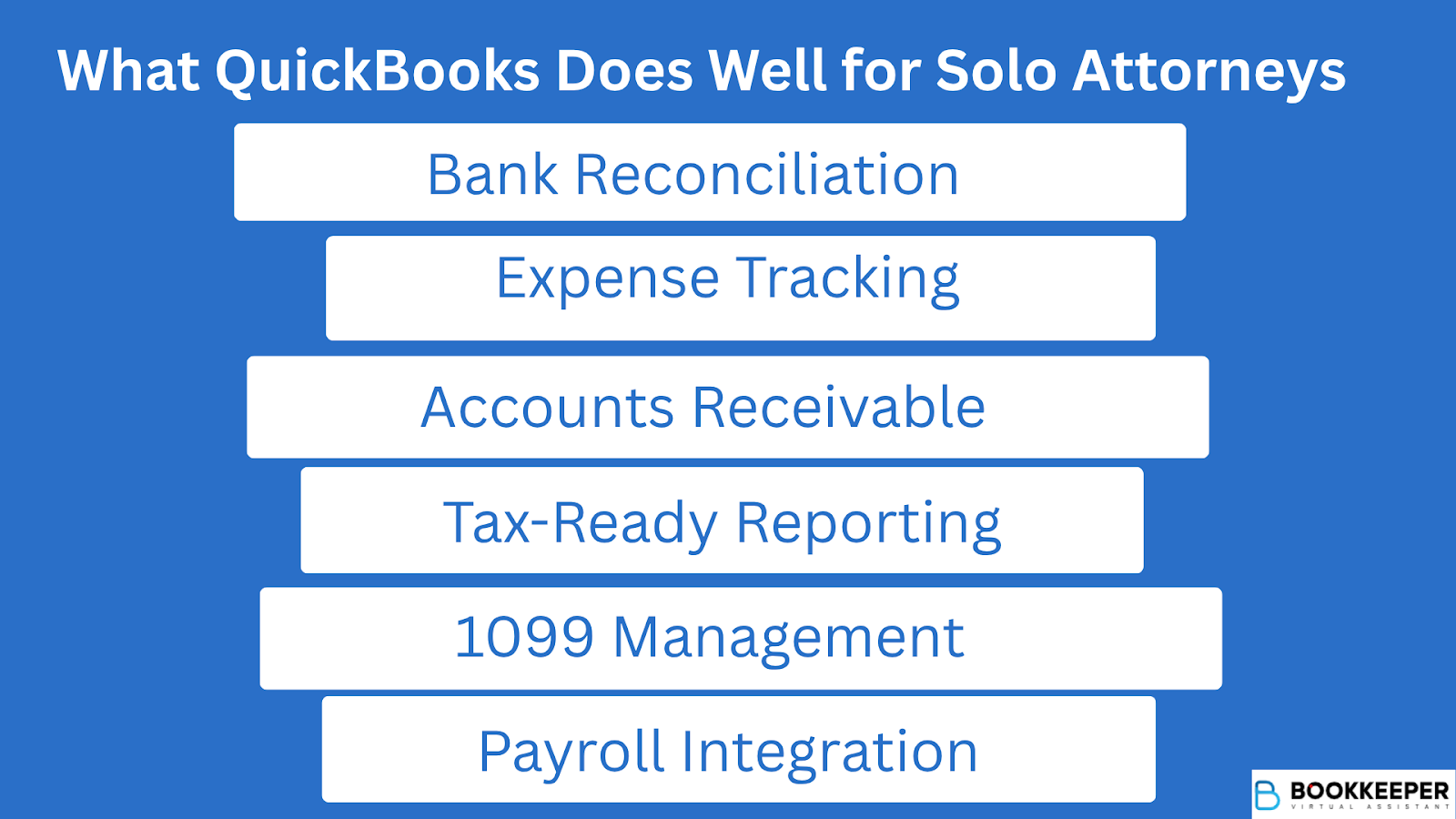
QuickBooks does cover the basics of small business finance, and those basics still matter for a law practice.
Where it genuinely helps:
- Bank reconciliation - Automated syncing with your operating account keeps transaction records current without manual entry.
- Expense tracking - You can categorize firm overhead (rent, malpractice insurance, subscriptions) and flag client-billable costs separately.
- Accounts receivable - Invoice creation, payment tracking, and overdue reminders are built in.
- Tax-ready reporting - Profit and loss statements, balance sheets, and cash flow reports are formatted for your CPA.
- 1099 management - If you use contract attorneys or vendors, QuickBooks can generate and file 1099s.
- Payroll integration - QuickBooks Payroll handles payroll tax filings if you bring on staff.
For general firm overhead and revenue tracking, QuickBooks is a solid tool. The problems start the moment client funds enter the picture.
Where QuickBooks Falls Short: The Legal-Specific Gaps
QuickBooks was designed for general small businesses. Law firms are not general small businesses. Here is where the platform runs out of road:
QuickBooks does not provide native safeguards to separate client money from operating revenue or prevent the misuse of trust funds. Any solo attorney using the platform for trust activity must configure it entirely by hand, which raises the risk of accounting errors and compliance failures.
That manual configuration is not a one-time setup. It requires ongoing discipline to maintain, especially when you are also managing a full caseload alone.
The Trust Accounting Problem Is Not a Technicality
For solo practitioners, IOLTA compliance is where the stakes become existential.
Under ABA Model Rule 1.15 and equivalent state rules, attorneys must:
- Keep client funds in a designated trust account, completely separate from operating funds
- Maintain a running ledger for every individual client
- Perform three-way reconciliation monthly (bank statement, trust ledger, individual client ledgers)
- Retain trust account records for a minimum of five years after representation ends
- Never disburse funds from trust before they are earned
The serious consequences of getting this wrong.
In 2023, nearly one-fourth of all attorney disciplinary complaints processed in California alone involved how lawyers handled client trust accounts, according to the California State Bar's Annual Discipline Report. Discipline investigations related to trust account violations increased 80% that year after the state launched a dedicated compliance unit.
At the national level, the ABA's standards are unambiguous: disbarment is the appropriate sanction for intentional or grossly negligent misappropriation of entrusted funds. Even unintentional errors -- like a mislabeled transfer or a reconciliation shortcut -- can trigger suspension.
QuickBooks will not stop you from making those errors. It has no built-in guardrails for IOLTA workflows. The software does not know what a bar rule is.
The Hidden Cost of Solo DIY Bookkeeping
Beyond compliance risk, there is a productivity cost that solo attorneys consistently underestimate.
According to a Thomson Reuters study, 45% of all solo and small law firm time is spent on administrative tasks, including bookkeeping. A 2024 State of the Solo Survey found that 59.86% of solo practitioners identified spending too much time on administrative work as their biggest challenge. Separately, Clio's 2024 Legal Trends Report found the average attorney bills just 2.9 hours per eight-hour workday, a utilization rate of only 37%.
Every hour you spend reconciling QuickBooks accounts is an hour you are not billing.
Run the numbers:
- 5 hours/week on DIY bookkeeping and financial admin
- At a conservative solo rate of $250/hour
- That equals $1,250 in unrealized weekly revenue, or roughly $65,000 annually
That math does not include the time spent correcting errors, preparing for bar audits, or consulting your CPA to untangle a reconciliation problem.
The Smart Workflow: When QuickBooks Needs a Co-Pilot
QuickBooks is not the problem. Using it as a stand-alone, unsupported system is.
Solo attorneys who get financial management right typically follow one of two paths:
Option 1: QuickBooks + Legal Practice Management Software Integration
Platforms like Clio, MyCase, and PracticePanther integrate with QuickBooks to handle matter-based billing, time tracking, and trust accounting workflows. Transactions sync between systems, which reduces manual entry and error rates. You still need someone to manage and reconcile the books monthly, but the data pipeline is cleaner.
Option 2: QuickBooks + a Legal-Specific Virtual Bookkeeper
This is the more comprehensive fix. A virtual legal bookkeeper trained in IOLTA compliance and law firm accounting takes ownership of your books completely. They configure QuickBooks correctly for your practice, maintain client sub-accounts, run monthly three-way reconciliations, and produce audit-ready records on demand. You keep QuickBooks as the platform; a specialist runs it.
This approach eliminates the compliance risk, removes the administrative burden from your schedule, and typically costs a fraction of what an in-house bookkeeper would run.

How Bookkeeper.law Fits Into This Picture
Bookkeeper.law provides virtual legal bookkeepers who specialize exclusively in law firm financial management. Their team handles the full scope of legal bookkeeping -- trust account management, three-way reconciliation, client ledger maintenance, expense categorization, 1099 preparation, and ongoing compliance with state bar regulations.
The model is designed specifically for solo and small firm attorneys who need expertise without the overhead of a full-time hire:
- Faster onboarding -- Access a certified bookkeeper with legal accounting experience without weeks of recruiting
- Legal-specific training -- Staff understand IOLTA rules, ABA compliance standards, and law firm chart of accounts structures
- Flexible scope -- Whether you need full-time support or help with a specific reconciliation backlog, the engagement scales to your caseload
- Cost efficiency -- Virtual support costs significantly less than in-house bookkeeping while delivering the same, or better, level of accuracy
You practice law. A trained legal bookkeeper manages the books. QuickBooks becomes the platform both of you work within, not a liability you manage alone.
You Passed the Bar. Let Your Books Pass the Audit.
QuickBooks is a capable accounting platform, and solo attorneys can absolutely use it as the backbone of their firm's financial system. What it cannot do is replace legal accounting expertise, enforce bar compliance on its own, or protect you from the trust accounting errors that trigger disciplinary action.
The attorneys who build financially sound solo practices do not avoid technology. They use it intelligently, with the right human support behind it. QuickBooks handles the transactions. A legal bookkeeper handles the compliance, the reconciliations, and the workflows that keep your license safe.
If you are managing your books alone right now, even if things feel manageable, the question is not whether something will go wrong. It is whether you will catch it before the bar does.
Book a free call with Bookkeeper.law to assess your current bookkeeping setup and connect with a certified virtual legal bookkeeper who understands law firm compliance from day one. No recruiting. No training. Just accurate, audit-ready books starting immediately.

Frequently Asked Questions
Can QuickBooks handle IOLTA trust accounting for a solo attorney?
QuickBooks can be configured for IOLTA management, but it requires significant manual setup with no built-in compliance safeguards. Without proper configuration and ongoing oversight, the risk of bar rule violations is real, which is why most solo attorneys benefit from a legal bookkeeper who maintains that workflow correctly.
What is three-way reconciliation and does QuickBooks do it automatically?
Three-way reconciliation matches your trust bank statement, trust ledger, and individual client ledgers so all three balances agree at month-end, and bar associations require it as a fundamental trust accounting control. QuickBooks provides the underlying records but does not automate the process, so reconciliation must be performed and documented manually or by a bookkeeper trained in legal accounting standards.
Is QuickBooks Online or QuickBooks Desktop better for attorneys?
QuickBooks Online is generally more practical for solo attorneys due to cloud-based access and integrations with legal practice management software like Clio and MyCase, while Desktop Premier offers a legal-specific chart of accounts template preferred by some legal bookkeepers. The better choice ultimately depends on who is managing your books and what your jurisdiction requires.
What happens if I make a trust accounting error using QuickBooks on my own?
Consequences range from a bar complaint and required remediation to suspension or disbarment, and even an accidental trust account overdraft must be reported to your state bar by the bank. The California State Bar's 2023 report found that nearly one in four disciplinary complaints involved client trust account mismanagement, and unintentional errors carry the same weight as intentional misconduct under many state rules.