

If you find yourself chasing missing time entries, spending hours creating and sending invoices, and manually following up with clients for payment, managing your law firm’s finances can start to feel like a second full-time job.
But billing doesn't have to be this exhausting. Often, the real problem lies in the friction between tracking time and actually getting paid. In many cases, the issue isn’t your rates or your clients, but whether you’re offering the most convenient way for clients to pay.
According to Clio’s latest research, 66% of clients expect law firms to accept online payments. Even more compelling, 57% of invoices paid online are paid the same day, and 85% are paid within a week. For law firms, this translates to faster payments, improved cash flow, and less time spent on collections.
Cloud-based invoice management software addresses these challenges by moving your entire billing process online. It allows you to automate time tracking, generate invoices faster, and accept online payments.
The goal isn’t to add more steps to your billing process, but to remove friction—making it faster for your firm to bill and easier for your clients to pay.
What Is Cloud-Based Invoice Management?
Cloud-based invoice management is a digital system hosted on remote servers that handles the entire invoicing process via the internet. Everything runs in the cloud where it allows users to create, send, track, and manage invoices from any location with an internet connection.
For law firms, cloud-based invoice management typically includes features such as:
- Time Tracking - Capture billable hours across multiple matters and clients.
- Professional Invoicing - Generate invoices that comply with legal billing standards.
- Trust Accounting - Ensure proper handling of client funds with IOLTA and state bar compliance.
- Workflow Integration - Connect invoicing to case details, client communications, and financial reporting.
- Real-Time Synchronization - Multiple users can work in the system at the same time
- Data Security - Protect sensitive information with encryption, multi-factor authentication, and regular backups.
- Centralized Financial Data - Maintain a single source of truth for accounts receivable and trust accounting records.
Comparison Table: Best Cloud-Based Invoice Management
10 Best Cloud-Based Invoice Management Software for Law Firms
1. Clio
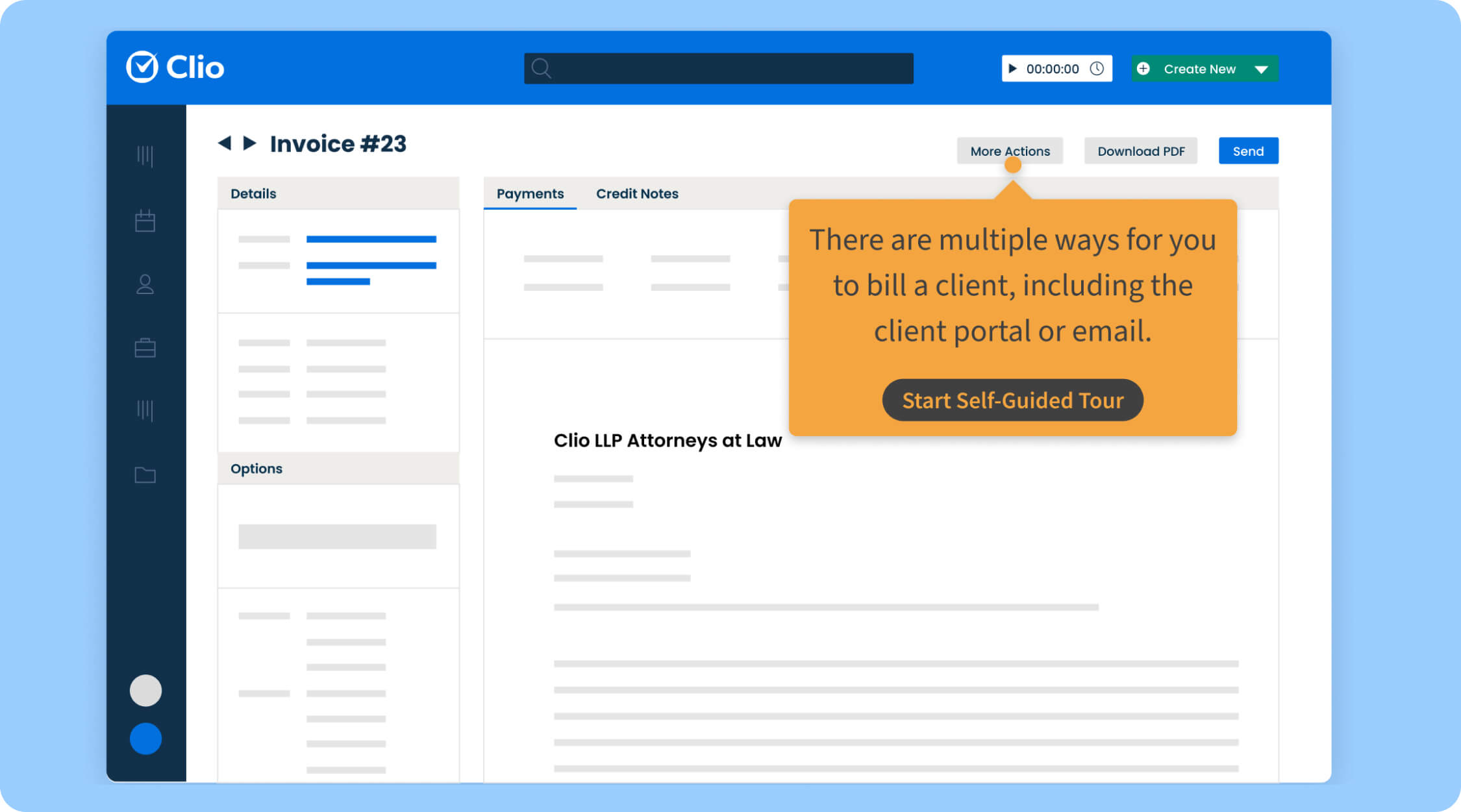
Clio is a comprehensive legal practice management platform with robust billing and invoicing capabilities. It offers automated time tracking, click-to-pay invoicing, customizable invoice templates, and automated payment reminders. Clio also integrates with over 250 third-party tools, making it a flexible option for firms with established workflows.
Best for: Mid-sized to large law firms seeking an all-in-one practice management solution with strong billing features.
Pricing: Starts at $49 per user/month (billed annually).
2. CosmoLex
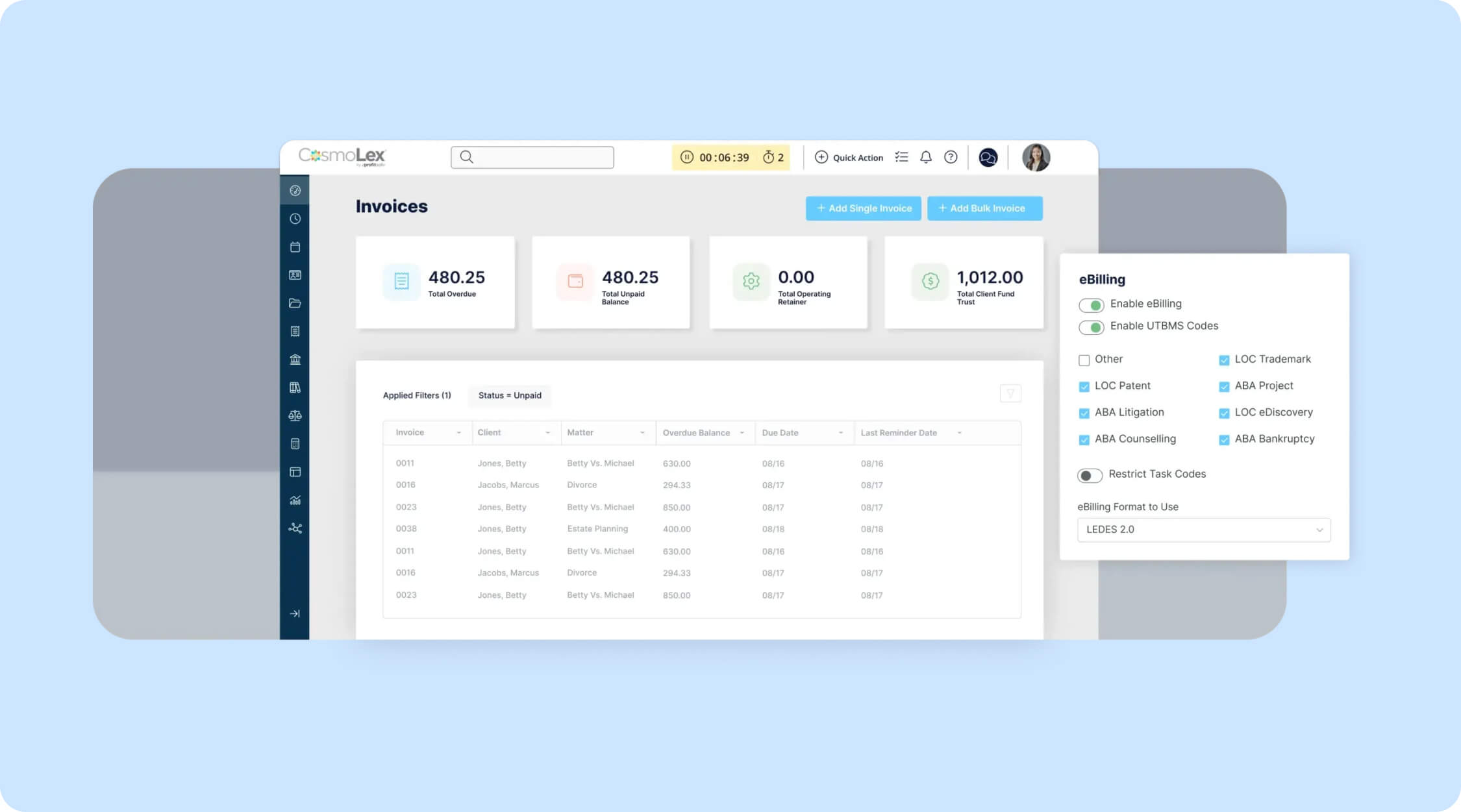
CosmoLex is an end-to-end legal platform that combines practice management, billing, and full legal accounting in a single system. It includes built-in bank reconciliation, billing analytics, and matter-centric accounting, all without requiring third-party accounting software.
Because of its comprehensive feature set, CosmoLex may require a steeper learning curve for new users, but it eliminates the need for tools like QuickBooks.
Best for: Small to mid-sized firms that want to manage billing and general ledger accounting in one platform.
Pricing: Starts at $109 per user/month (billed annually).
3. MyCase
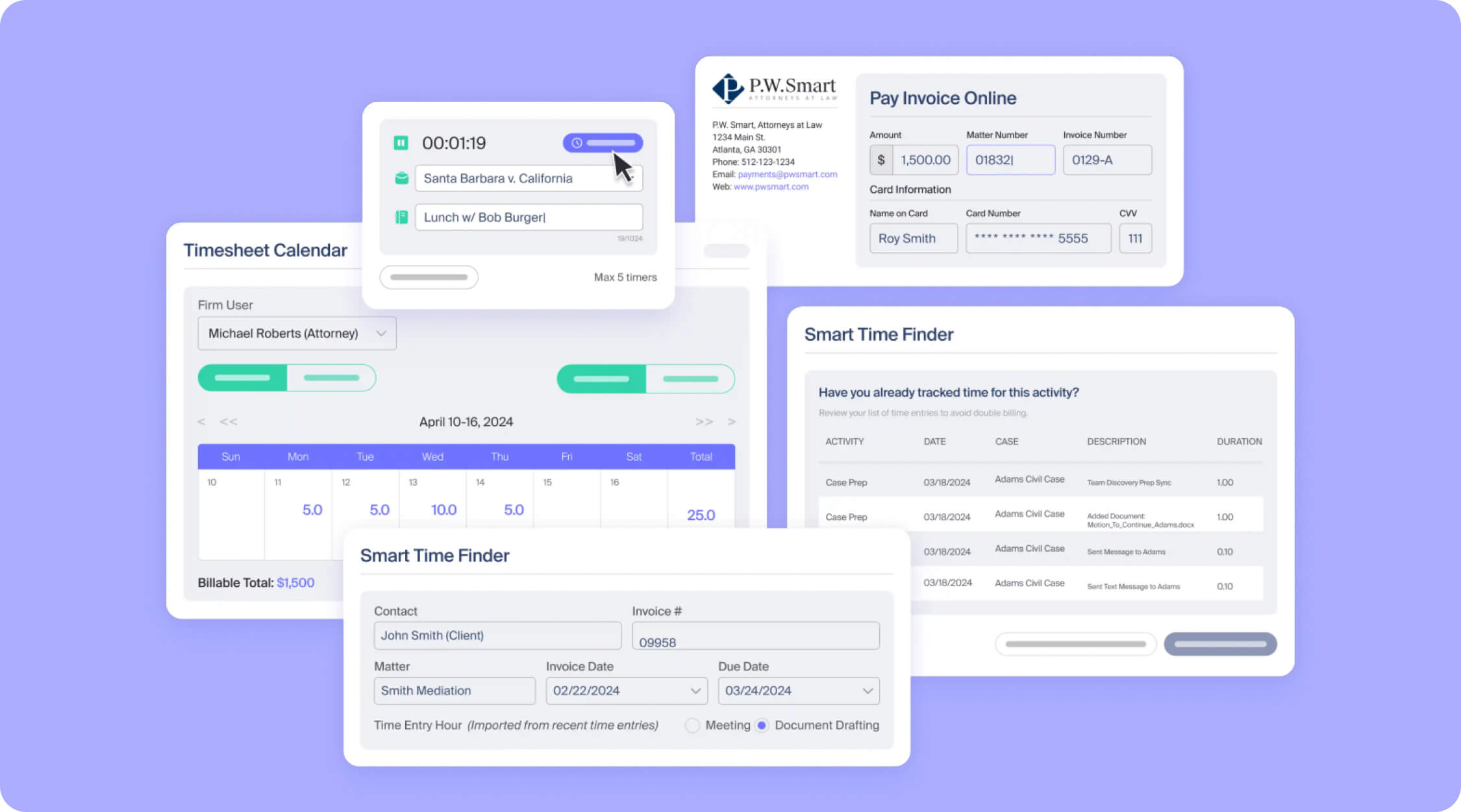
MyCase combines case management and billing into a single cloud-based platform. It offers automated billing and invoicing, built-in payment processing, a mobile app, and client-facing tools. The software is notable for its Split Billing functionality, which allows invoices to be easily divided among multiple parties or payers.
Best for: Solo practitioners to mid-sized law firms looking for an easy-to-use all-in-one solution.
Pricing: Starts at $39 per user/month (billed annually).
4. PracticePanther
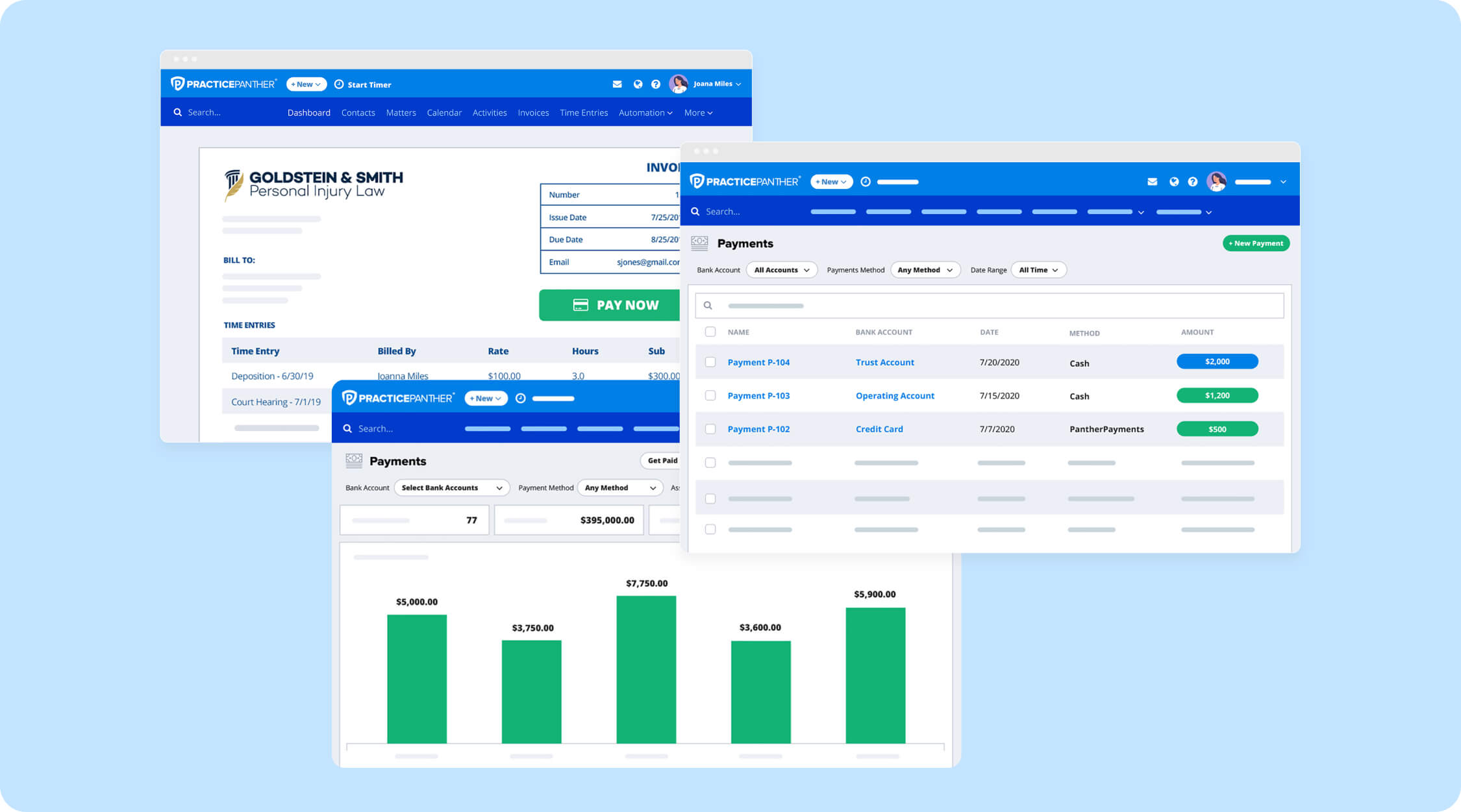
PracticePanther is a cloud-based legal practice management solution with strong billing and invoicing features. It includes automated payment reminders, native e-signatures, workflow automation, and mobile access. The platform is especially known for its intuitive interface, making it easy to adopt even for users with limited technical experience.
Best for: Firms seeking an intuitive, automation-focused platform with mobile capabilities.
Pricing: Starts at $49 per user/month (billed annually).
5. Smokeball
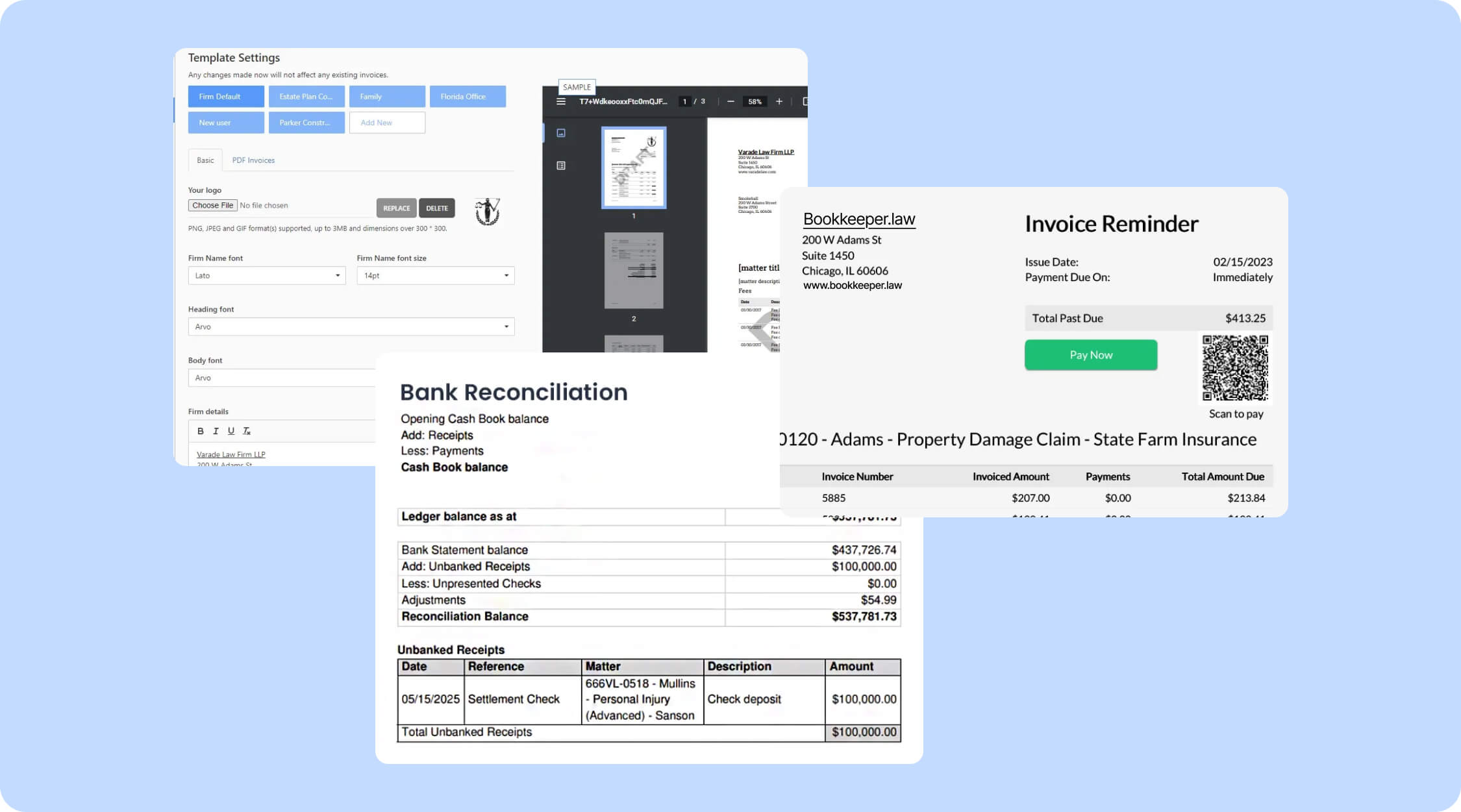
Smokeball is known for its productivity-focused approach to billing, offering automated time tracking that captures billable activity as attorneys work on documents, emails, and calls. The software records activity in the background and converts it into time entries that can be reviewed and edited before invoicing.
One consideration is that Smokeball is Windows-based and does not natively support macOS without virtualization.
Best for: Small to mid-sized law firms looking to maximize billable hour capture through automation.
Pricing: Custom pricing (not publicly listed).
6. LawPay
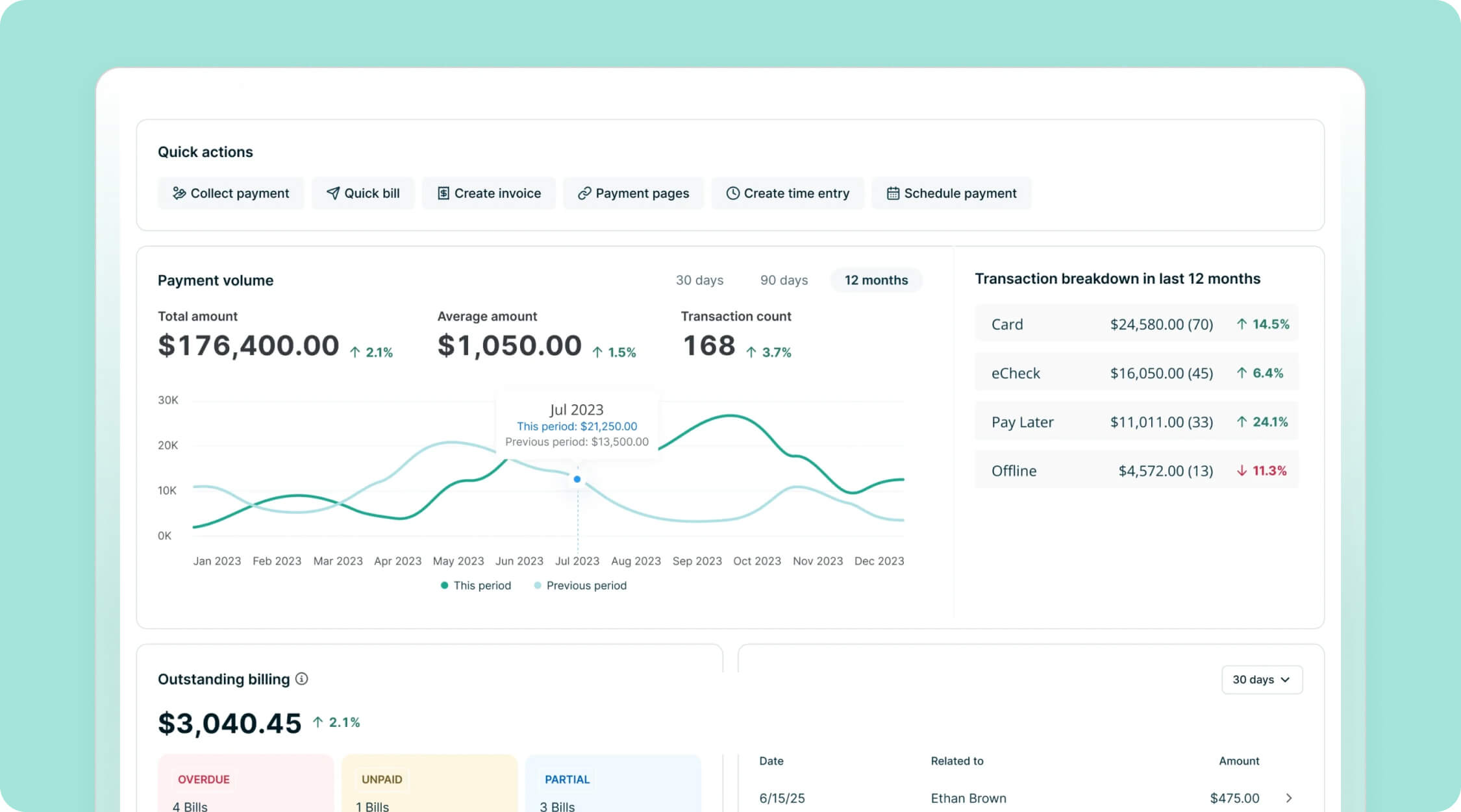
LawPay is a legal-specific payment processing platform designed to help law firms accept credit card, debit card, and eCheck payments while remaining compliant with legal and trust accounting requirements. It features secure IOLTA-compliant transactions, "Pay Later" financing options, and secure online payment links.
LawPay is recommended by all 50 state bars and more than 60 local and specialty bars, making it the most widely endorsed payment solution in the legal industry. However, it functions primarily as a payment processor rather than a full billing platform.
Best for: Firms that already use a practice management system and need a compliance-focused payment gateway.
Pricing: Starts at $19 per month, plus a percentage-based processing fee.
7. TimeSolv
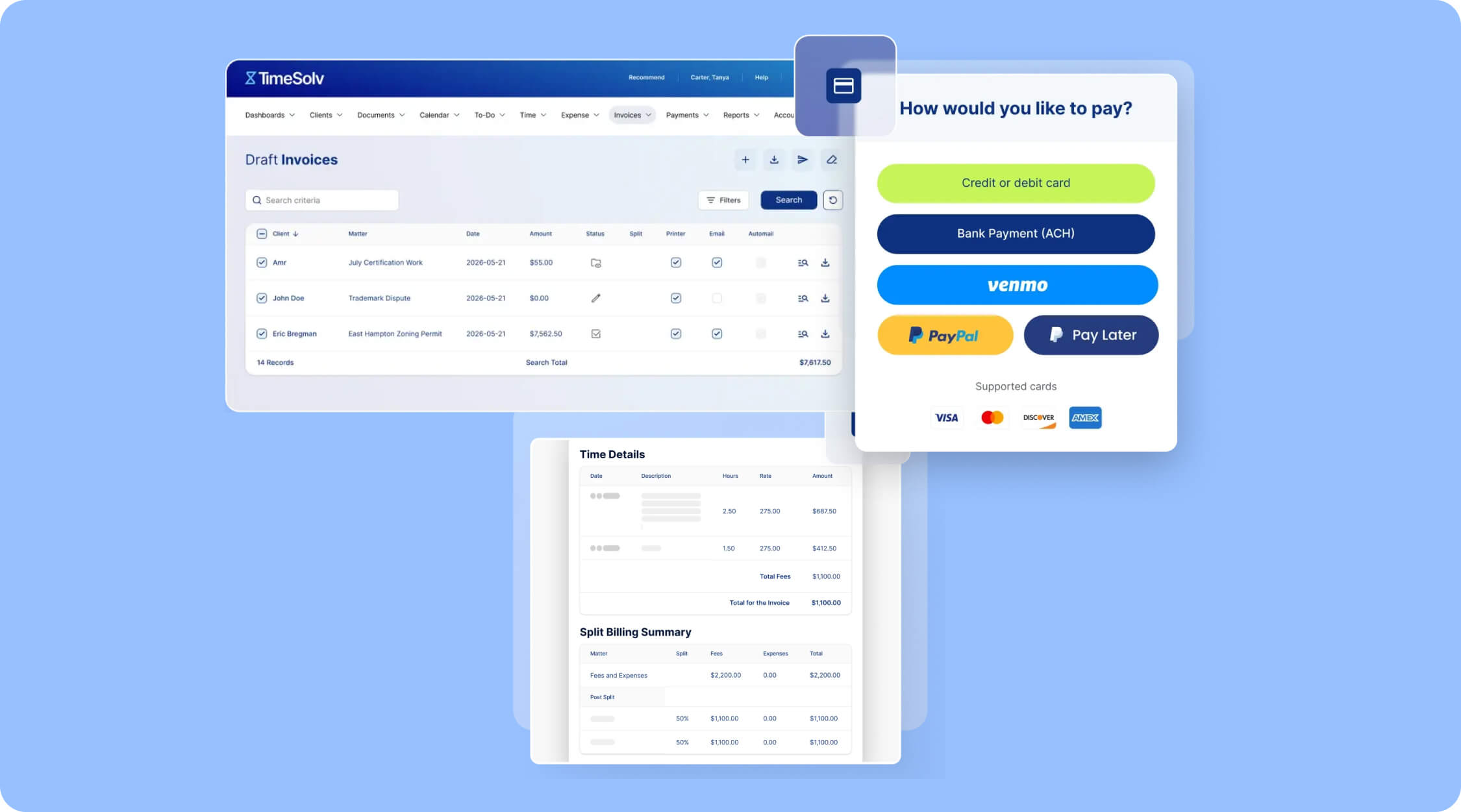
TimeSolv is a legal billing and time-tracking platform designed to simplify the invoicing process for law firms with complex project management needs that require accurate time capture and professional billing. Since its launch in 1999, it has processed over $5 billion in legal billing for attorneys and other professionals.
The platform supports multiple timer options, LEDES billing, multi-level tax support, and complex billing structures. It is well suited for firms that manage large volumes of matters and billing data without sacrificing performance.
Best for: Firms with heavy caseloads that need organized time tracking by matter, client, or task.
Pricing: Starts at $38 per user/month (billed annually).
8. LeanLaw
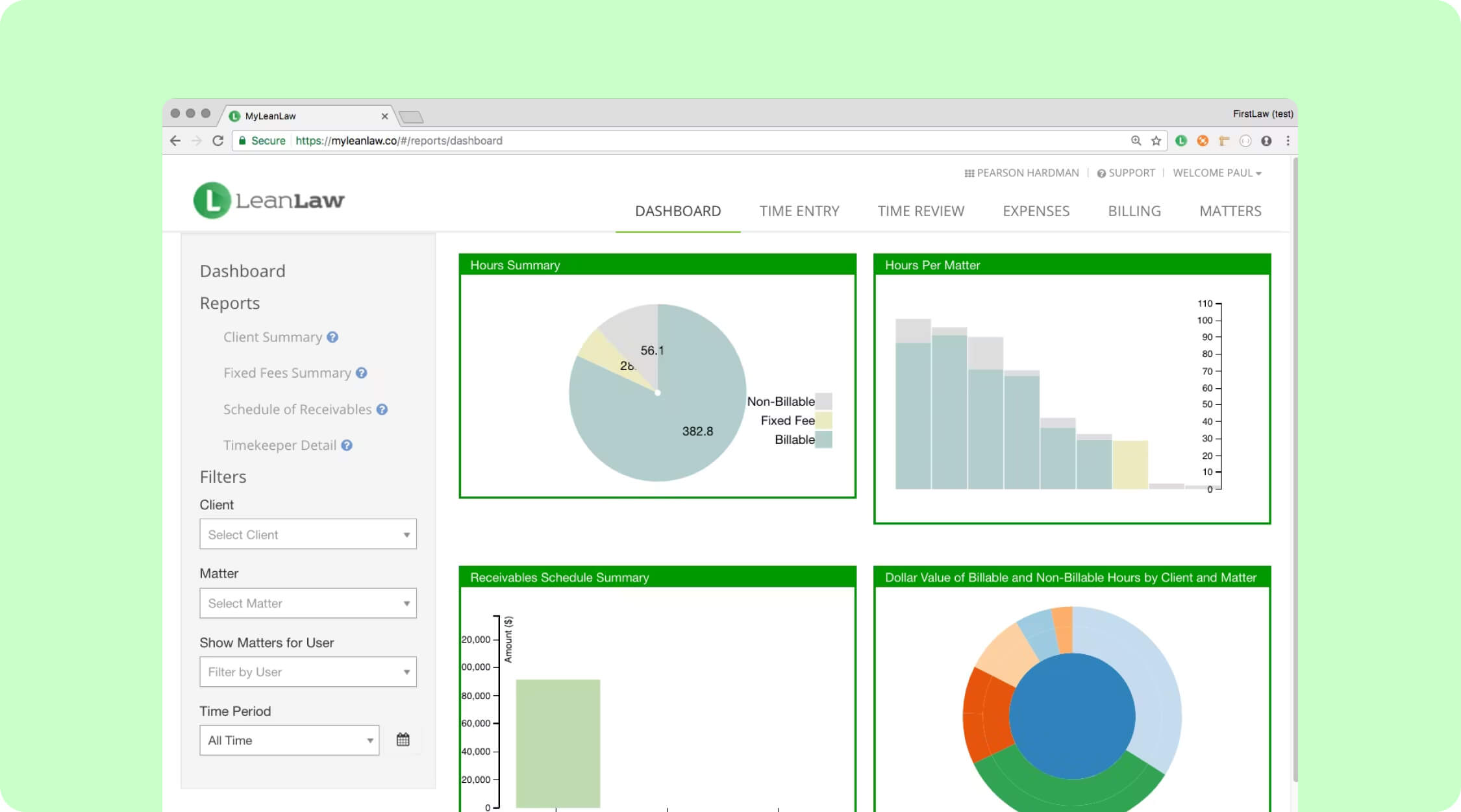
LeanLaw is designed specifically for law firms that use QuickBooks Online. It adds legal-specific billing features such as multiple billing structures, matter-level trust tracking, and legal trust accounting, all built directly on top of QuickBooks. Because it operates as an extension of QuickBooks, it avoids many common accounting integration issues.
Best for: Law firms that already use or plan to use QuickBooks Online.
Pricing: Starts at $55 per user/month.
9. Bill4Time
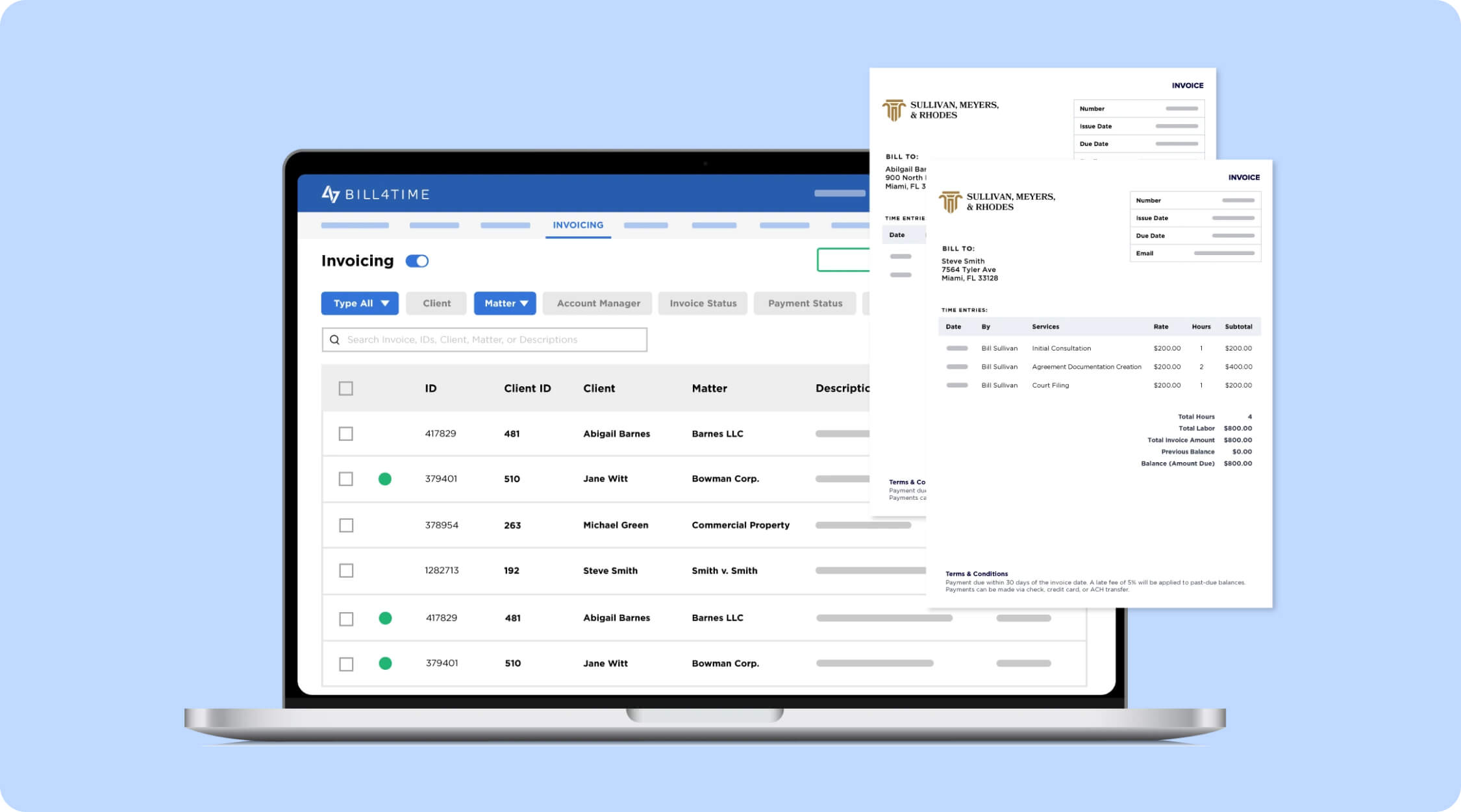
Bill4Time is a dedicated legal time tracking and billing platform that focuses on invoicing, expense tracking, and trust accounting without the complexity of a full practice management system. Key features include batch invoicing, online payment processing, and IOLTA trust reconciliation.
Best for: Solo lawyers to mid-sized firms that need dedicated billing and timekeeping software.
Pricing: Starts at $27 per user/month (billed annually).
10. FreshBooks
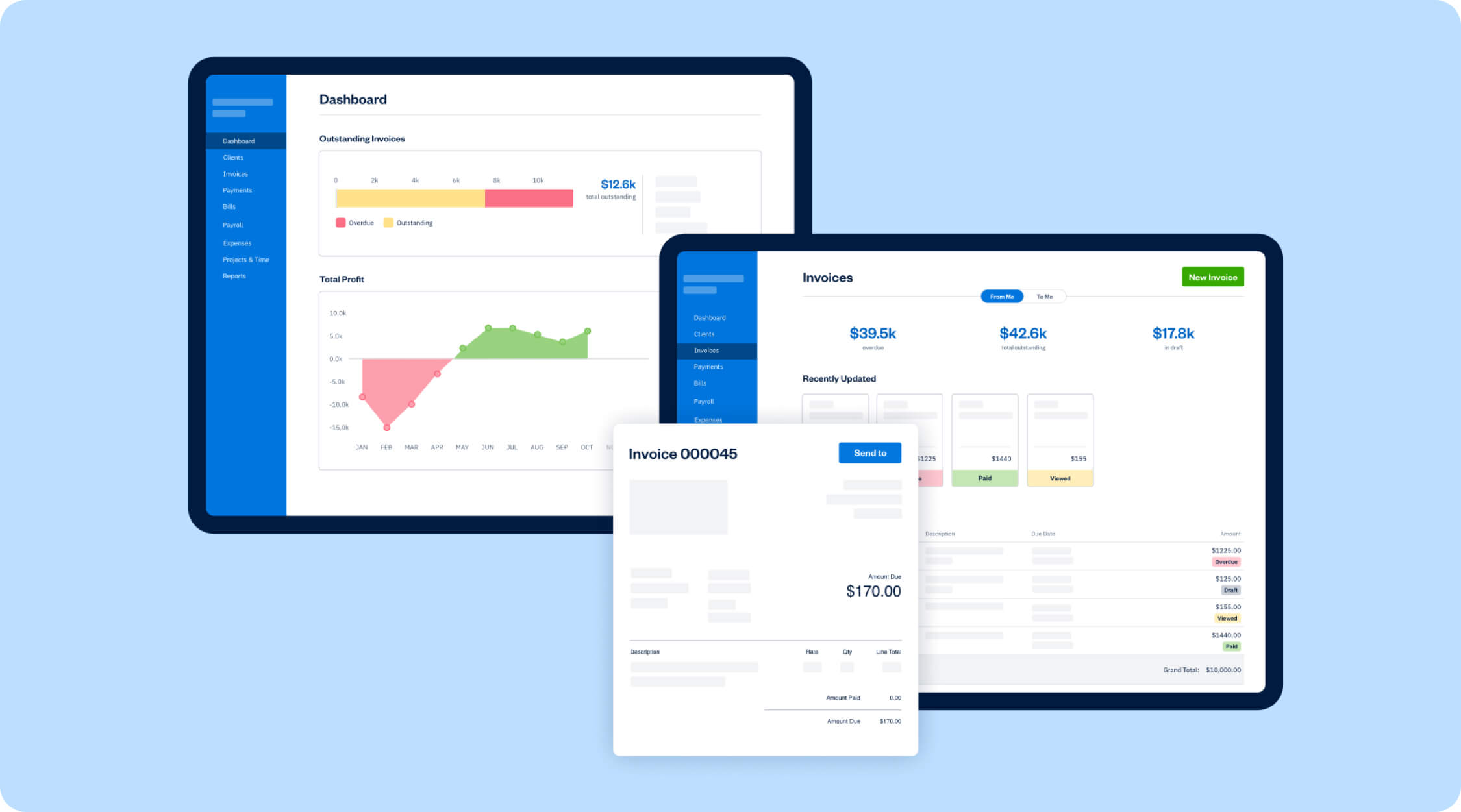
FreshBooks is a general-purpose accounting and invoicing tool that is a popular entry-level option for solo attorneys and small firms with simple billing needs. It offers features such as invoice creation, automated recurring billing, and online payment collection.
While FreshBooks is easy to use and affordable, it is not legal-specific and does not include built-in trust accounting or IOLTA compliance, which may limit its suitability for some law firms.
Best for: Solo practitioners and small firms with simple billing needs.
Pricing: Starts at $23 per month (Lite plan).
Benefits of Using Cloud-Based Invoice Management
Implementing cloud-based invoice management can improve your firm’s financial operations by offering the following benefits:
- Faster Billing and Payments: Law firms that use online payment options through cloud-based systems get paid faster than those relying on traditional paper billing methods.
- Improved Billing Accuracy: Cloud-based systems with automatic time capture ensure that every billable activity is recorded consistently, eliminating manual data entry and reducing billing errors.
- Cash Flow Visibility: Real-time dashboards and reporting provide immediate insight into accounts receivable, outstanding invoices, and payment trends, helping you make better financial and business decisions.
- Secure Access from Anywhere: Securely process invoices and manage billing data from any location, with automatic backups and system updates that scale as your firm grows.
- Trust Account Compliance: Cloud-based systems designed for law firms include trust accounting features with automatic three-way reconciliation, helping maintain compliance and reduce the risk of ethical violations.
- Reduced Administrative Burden: Automation handles repetitive tasks across the billing process, freeing up time for attorneys and staff to focus on higher-value legal work.
How to Select the Right Cloud-Based Invoice Management Software
Choosing the right platform requires careful evaluation of your firm’s specific needs, workflows, and growth plans. Consider the following factors as you compare your options.
Assess Your Current Pain Points
Start by identifying what isn’t working in your existing billing process. Are you losing billable time due to manual tracking? Do clients complain about unclear or confusing invoices? The issues you need to solve should guide your software priorities.
Evaluate Integration Requirements
Consider the tools your firm uses every day. If you rely on QuickBooks for accounting, platforms with native QuickBooks integration can save you a lot of time. If your team primarily works in Microsoft Outlook, look for software with strong email and calendar integration.
Consider Your Practice Areas
Different practice areas have different billing requirements. For example, a personal injury firm may need contingency fee tracking rather than flat-fee or hourly billing. Make sure the software supports the billing structures and features relevant to your practice.
Can Scale with Your Growth
A platform that works well for three attorneys should still perform effectively when your firm grows to ten or twenty. Review per-user pricing to understand how costs scale as you add staff, and confirm that higher tier plans include features you may need in the future.
Test Before Committing
Most cloud-based platforms offer free trials. Use this time to test your actual workflows, from time entry to invoice delivery and payment collection. Involve staff members who will use the system daily and gather their feedback.
Evaluate Support and Training
Check the vendor’s support options and training resources. Ideally, live help should be available during your busiest billing periods, not limited to email tickets. Reading reviews that specifically mention customer service can help set realistic expectations when issues arise.
Best Practices for Cloud-Based Invoice Management
Adopting new software is only the first step. These practices help you maximize the value of your cloud-based invoice management system.
- Establish consistent time entry habits. Accurate billing starts with recording time as work happens. Encourage attorneys and staff to use timers and enter time daily. Mobile apps make time capture easy, even when away from the office.
- Standardize invoice templates. Use branded, easy-to-read invoices with clear matter details and transparent fee breakdowns.
- Automate where possible. Set up recurring invoices for retainers or flat fees, schedule automatic payment reminders, and approval workflows to reduce manual work.
- Monitor key billing metrics. Review collection rates, days to payment, realization rates, and A/R aging to identify issues early and areas for improvement.
- Maintain trust account discipline. Keep client and operating funds strictly separated and reconcile trust accounts frequently. Regular three-way reconciliation ensures accounts remain accurate and compliant.
- Train your team thoroughly. Billing software only delivers value when used correctly. Provide proper training, clear internal documentation, and designate internal experts to support ongoing adoption.
Implementation with the Right Professional Support
Moving to cloud-based invoice management software is a big step for any law firm. While most platforms are designed to be user-friendly, setting them up correctly involves multiple stages that take time and attention to detail.
Migrating billing data, configuring workflows, and ensuring trust accounts reconcile correctly can be complex. Having professional support helps prevent mistakes and keeps your financial data accurate and secure.
At Bookkeeper.law, we support law firms with virtual legal bookkeepers who understand the specific billing and trust accounting needs of legal practices. They become a direct part of your team, handling billing operations, trust account reconciliation, and ongoing financial support.

Frequently Asked Questions
Is cloud-based invoicing software secure for law firms?
Yes. Reputable platforms use strong security measures such as encryption, secure data centers, multi-factor authentication, role-based access controls, and regular backups. Most providers also comply with industry security standards such as SOC 2 Type II, which confirms that the vendor undergoes regular third-party security audits.
Can I access it on mobile devices?
Yes. Most cloud-based invoicing platforms offer mobile apps or mobile-friendly web access, allowing you to use common features such as time tracking and invoice delivery from your phone.
Is there free cloud-based invoice management software available?
Yes, free options such as Invoicely and Invoice Ninja exist, but they typically lack legal-specific features like trust accounting, LEDES billing, and IOLTA compliance. Most legal billing software requires a paid subscription, though nearly all providers offer free trials so you can test the platform before committing.